Post organizer for iPhone
Scattered to Sorted. The posts you find across social media, in folders on your iPhone.
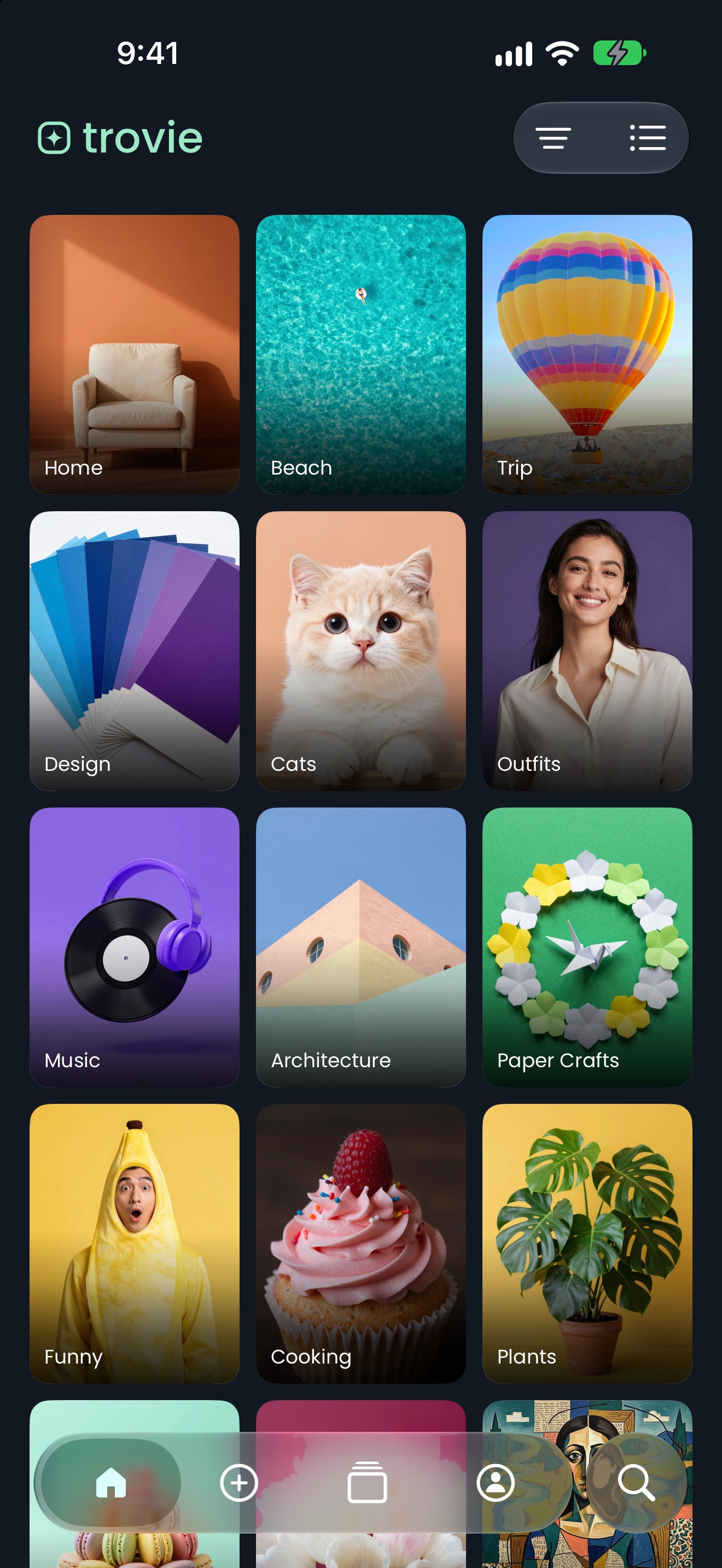
Every app keeps its own pile of posts you meant to come back to. trovie puts them in one place, in folders you make. Share a post to trovie, pick a folder, and it opens there next time, even without a connection.
Features
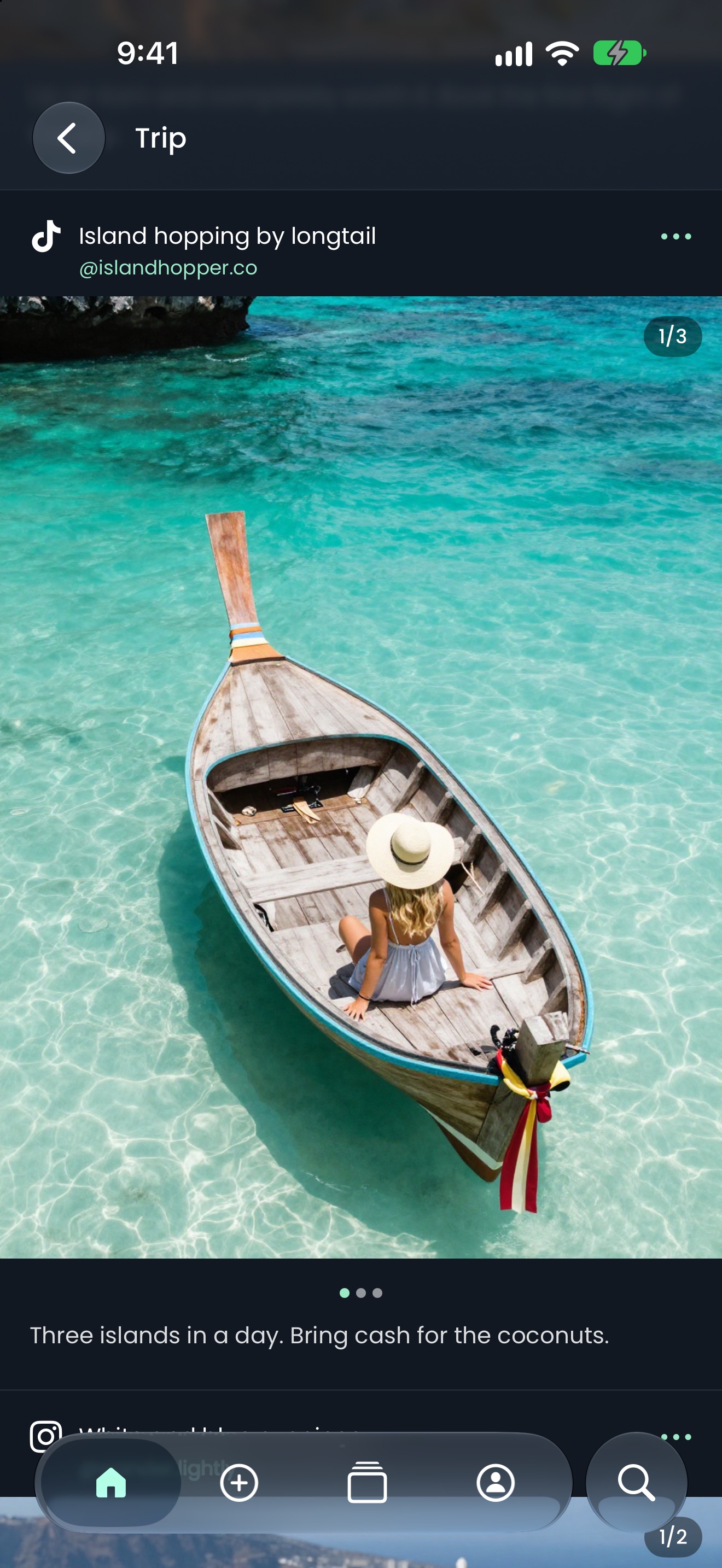
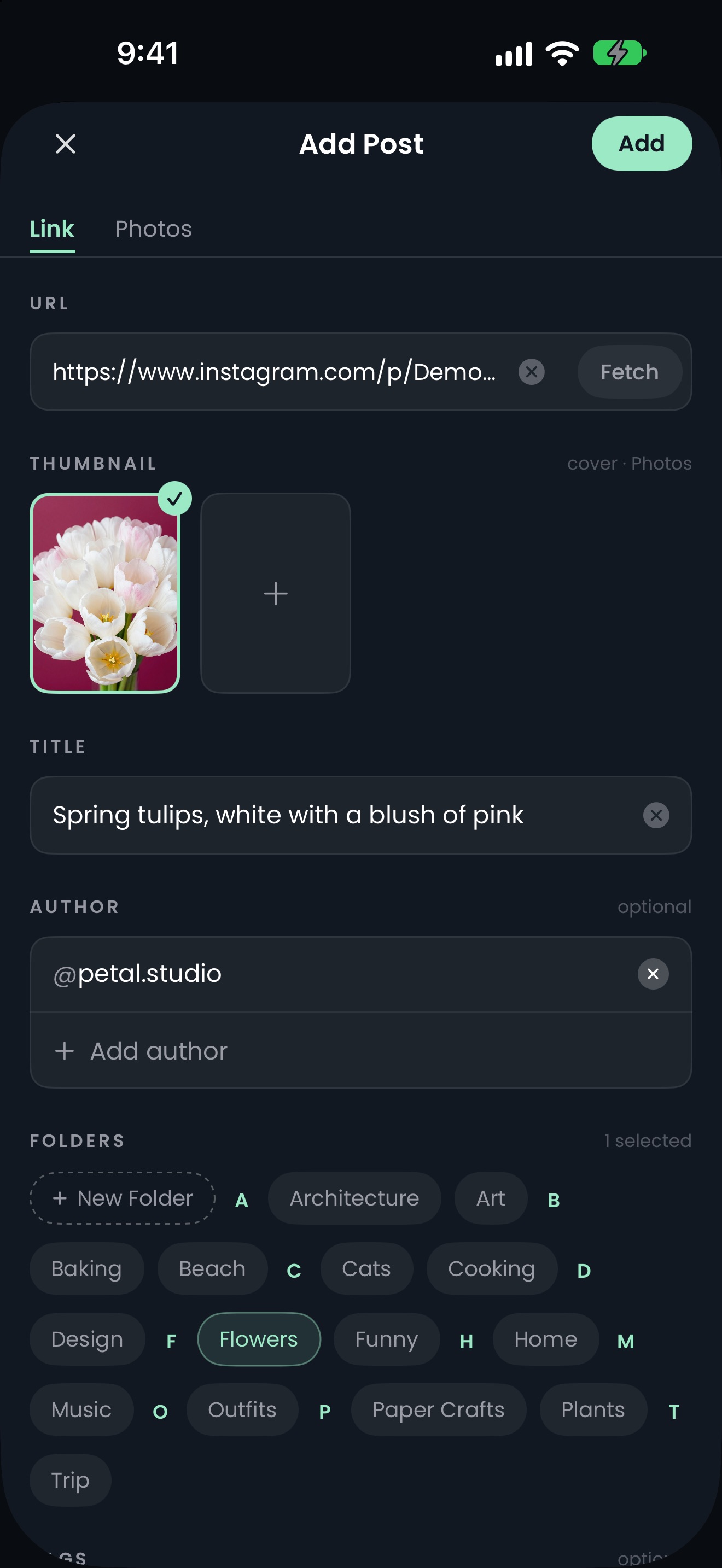
Share it, sort it. Tap Share on a post in Instagram, Facebook, TikTok, Threads, Reddit or X and choose trovie, or copy its link and open Add Post. Pick a folder and tap Add. Links from other websites come in as the page's photos and videos, or as a readable article.
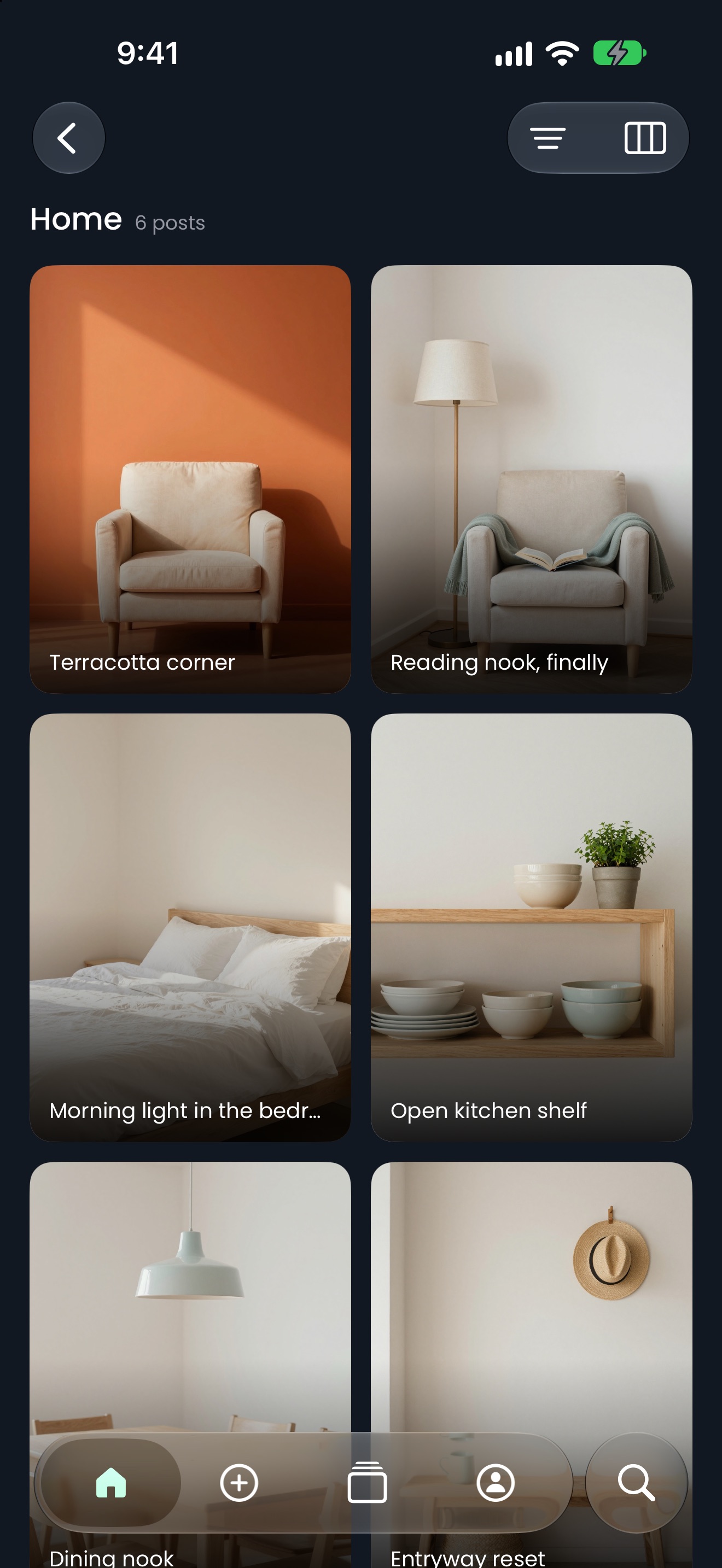
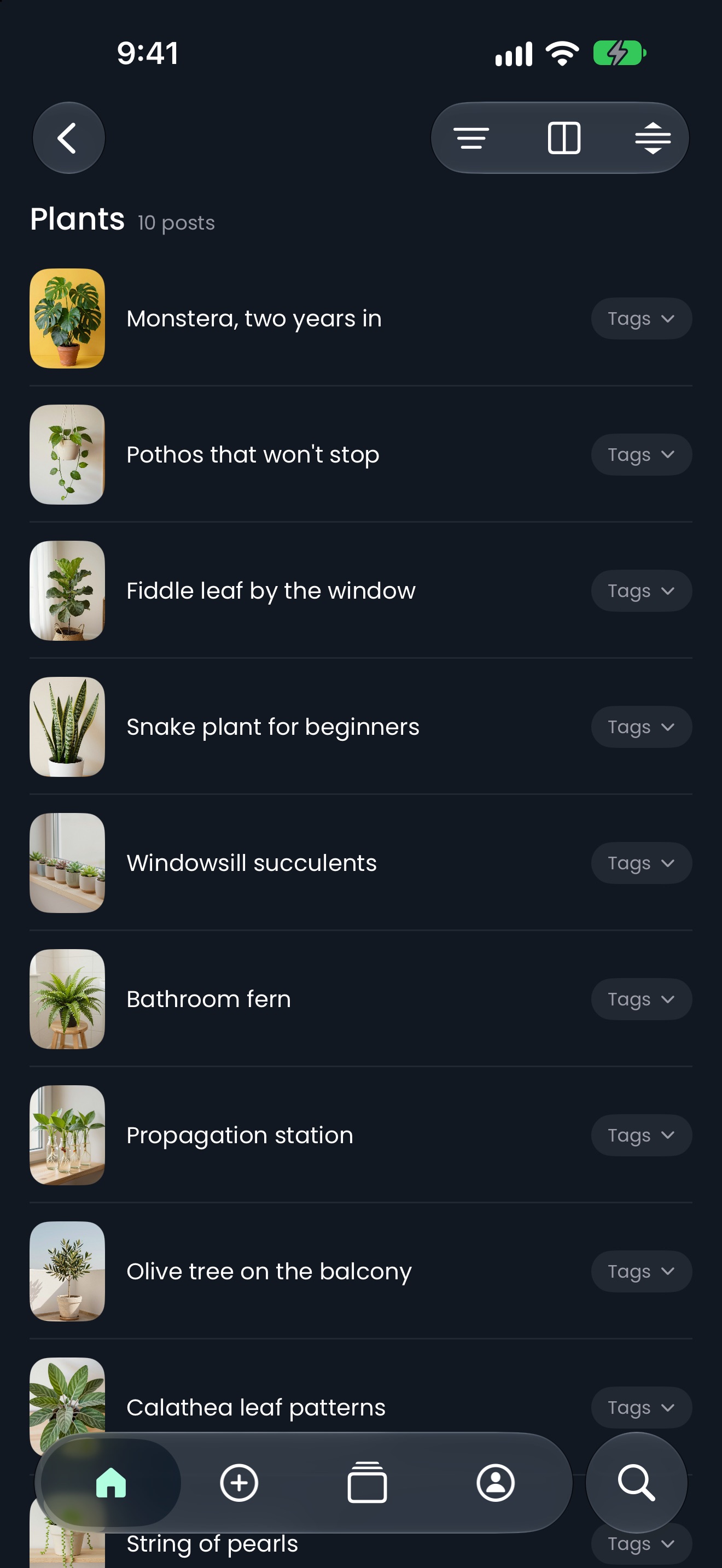
Folders that look like your collection. Each folder shows a cover you choose, from one of its posts or from your Photos. Sort folders by your own order, date updated, name or at random, and switch between a list and a two- or three-column grid.
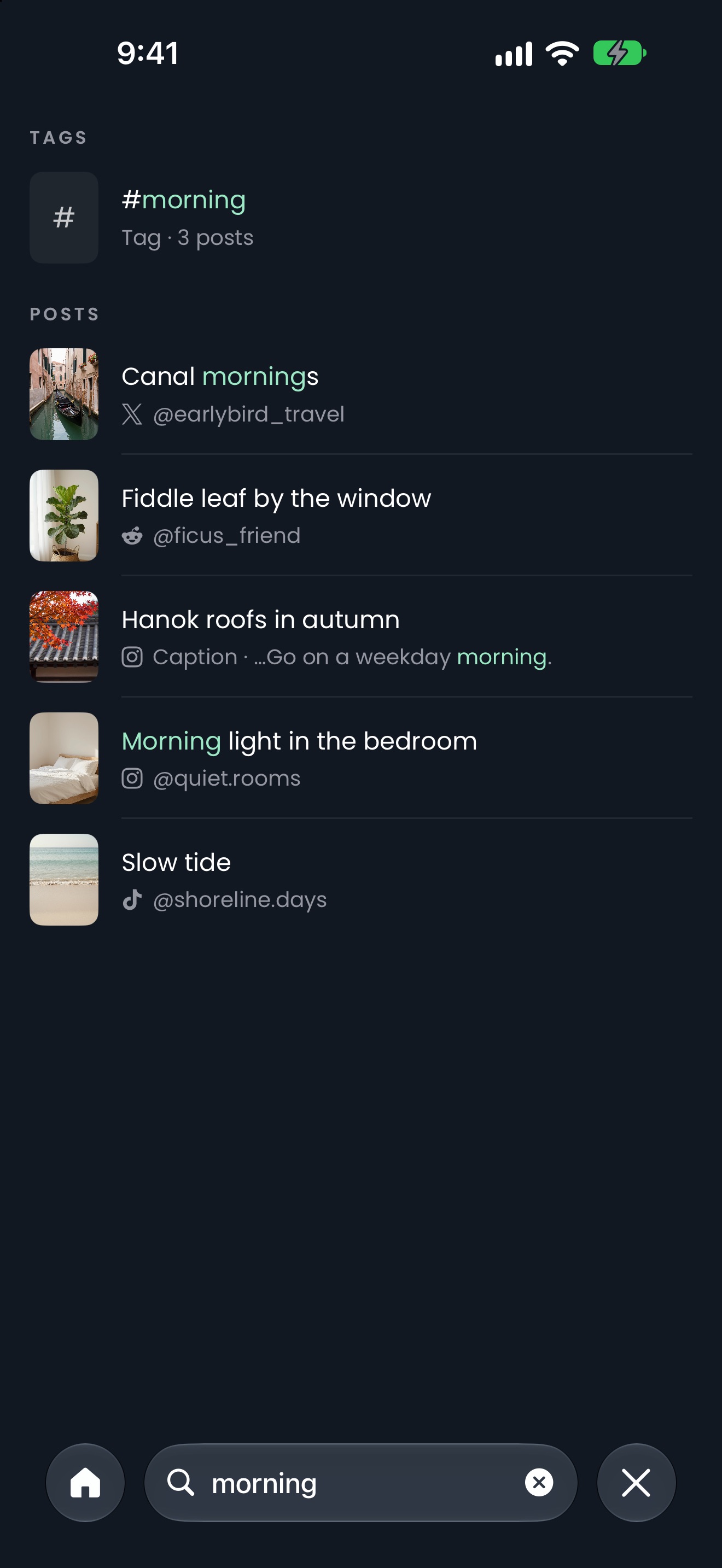
Find it again. Search titles, captions, tags and author names. Tap a tag or an author to see every post that shares it.
Tidy up in bulk. Select several posts to move them, edit their titles and tags together, or merge them into one carousel.
Yours, on your iPhone. trovie keeps a copy of each post you add on your iPhone, so your folders open quickly and work without a connection. There's nothing to sign up for, and nothing is tracked.
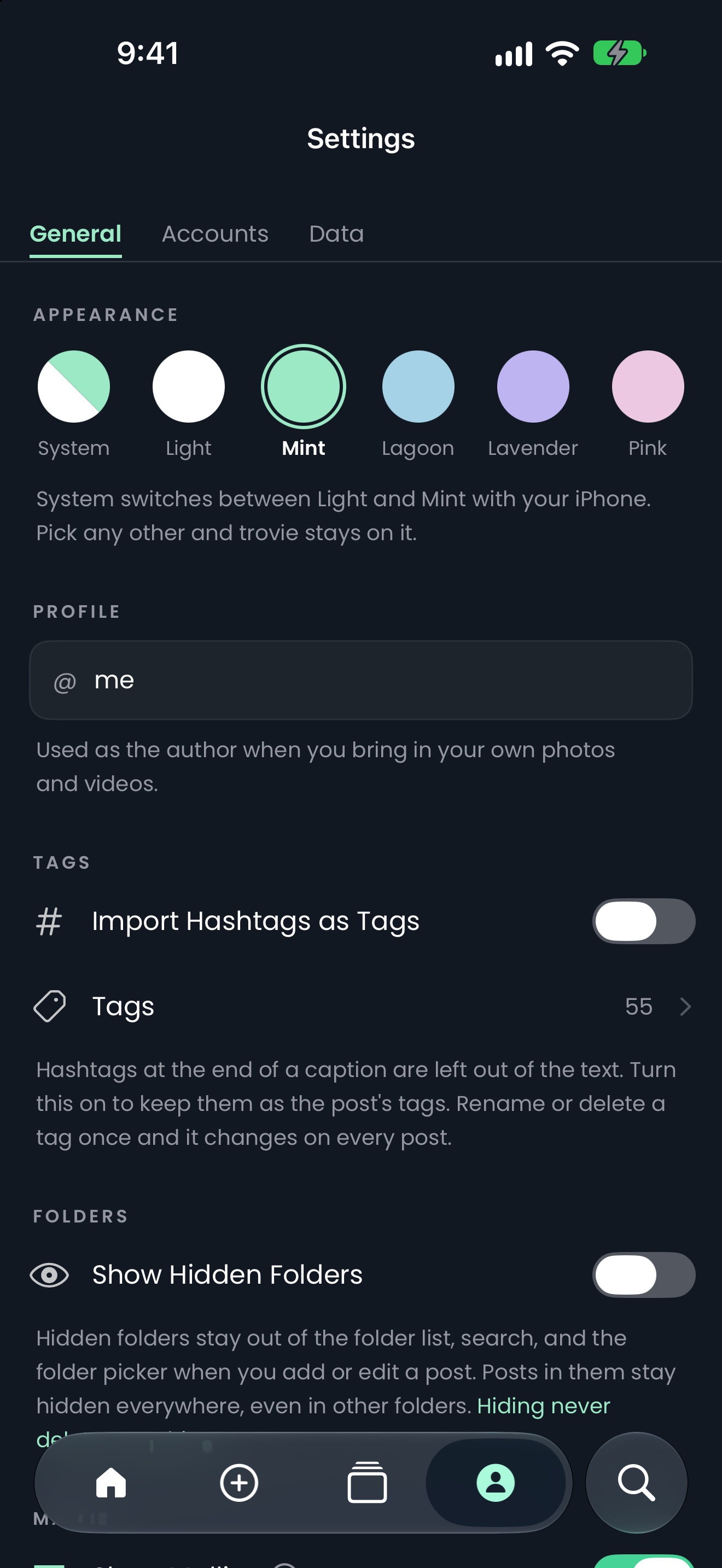
Make it yours. Pick from six themes. Mallie, trovie's mascot, can come along or stay out of sight.
Backups you control. Back up your whole library on your iPhone, then send a copy to iCloud Drive, AirDrop or anywhere you like. Restore it whenever you need to.
System Requirements
Requires an iPhone with iOS 26.5 or later.
How it works
Share a post to trovie, pick a folder, and find it again whenever you want.